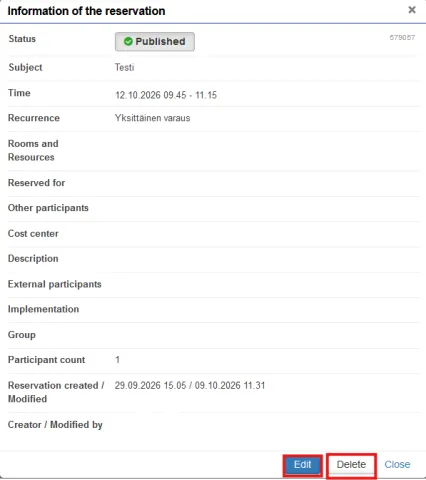
Edit and delete reservation
You can view the details of a reservation by clicking on the reservation in your calendar. You can edit the reservation by clicking on the Edit button and delete it by clicking on the Delete button.
NB! Please delete your reservation if you do not need the room.